Birdi vs DroneDeploy

Birdi is a collaborative geospatial platform built for US teams who want clarity, not complexity. We combine powerful processing tools, intuitive workflows, and collaborative features—minus the bloat or steep learning curve.
Compare Birdi with DroneDeploy

Why do teams choose Birdi over DroneDeploy?

DroneDeploy is a powerful platform with an impressive range of features. But for some teams, it can be overwhelming—there’s a lot to learn, it can be expensive to roll out, and many of the tools might never get used.

Birdi keeps things focused. We’ve built a platform that does what you need it to do — without unnecessary complexity or cost. From field teams to decision-makers, Birdi helps everyone collaborate on geospatial data and get value from it, fast.

Birdi is the right fit if...

Your team needs to move quickly, work together easily, and get value from your geospatial data without jumping through hoops.

We also think we’re the right choice if…

You want tools the whole team can use

Birdi is intuitive enough for anyone to use — not just technical users. With built-in commenting and sharable maps, more people can access insights, give input, and stay aligned across projects.

You don’t want to configure everything

No hidden setup steps or endless configuration. Birdi’s tools work out of the box, so your team can process, visualize, and collaborate without delay.

You need powerful outputs without the complex software

Whether it’s orthomosaics, digital elevation models, point clouds, or contours — Birdi handles the heavy lifting in the cloud, no specialist desktop tools required. Just upload your data and start exploring results in minutes.

Compare Birdi with DroneDeploy

Birdi
DroneDeploy
More affordable pricing — get enterprise-grade tools without the premium price tag
Green tick icon
Easy for non-technical users — anyone can access, view, and comment without training
Green tick icon
Bring your own data layers — supports 2D, 3D, vector uploads and WMTS/WMS base maps
Green tick icon
Effortless collaboration — built-in comments and shared views keep everyone aligned
Green tick icon
No login required to share maps — send a public link to clients or stakeholders instantly
Green tick icon
Multiple branded workspaces — manage different clients or departments seamlessly
Green tick icon
Capture device agnostic — capture how you want (ground, lidar, 360, video, drone)
Green tick icon

A unified workspace for everyone

Birdi is built for busy teams from the ground to the desk.

Upload anything

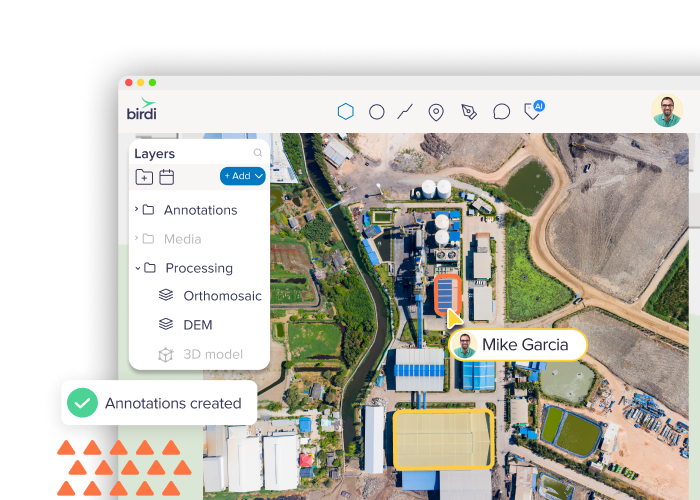
Bring in imagery, vectors, point clouds, 3D data, and more—Birdi can visualize it all.

Learn more

Map layers

Overlay, compare, and style layers in 2D or 3D for deeper spatial context.

Learn more

Collaboration tools

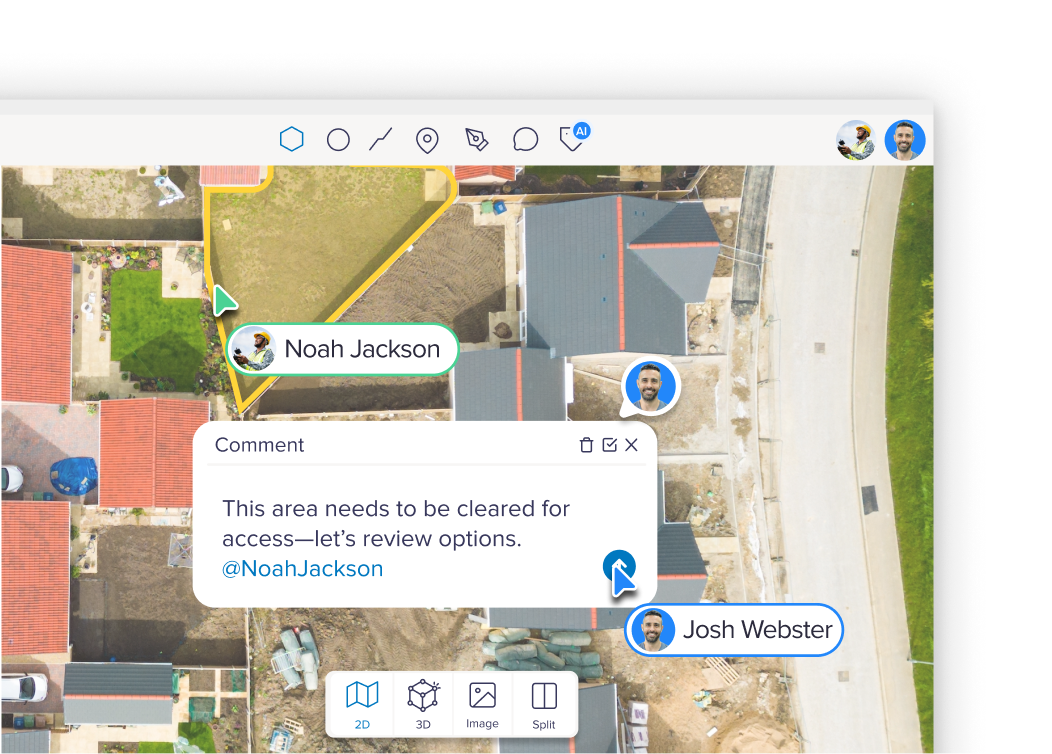
Collaborate live— see teammates on the map and leave comments or tags.

Learn moreBirdi is built for collaboration

Already using DroneDeploy?
We’ll make sure you never pay more with Birdi.

If your current DroneDeploy subscription is higher than our standard pricing, we’ll match it — and beat it by 10%.

Birdi has everything you need — All in one platform

Birdi is built for teams, not just GIS specialists

Built for collaboration, designed for clarity

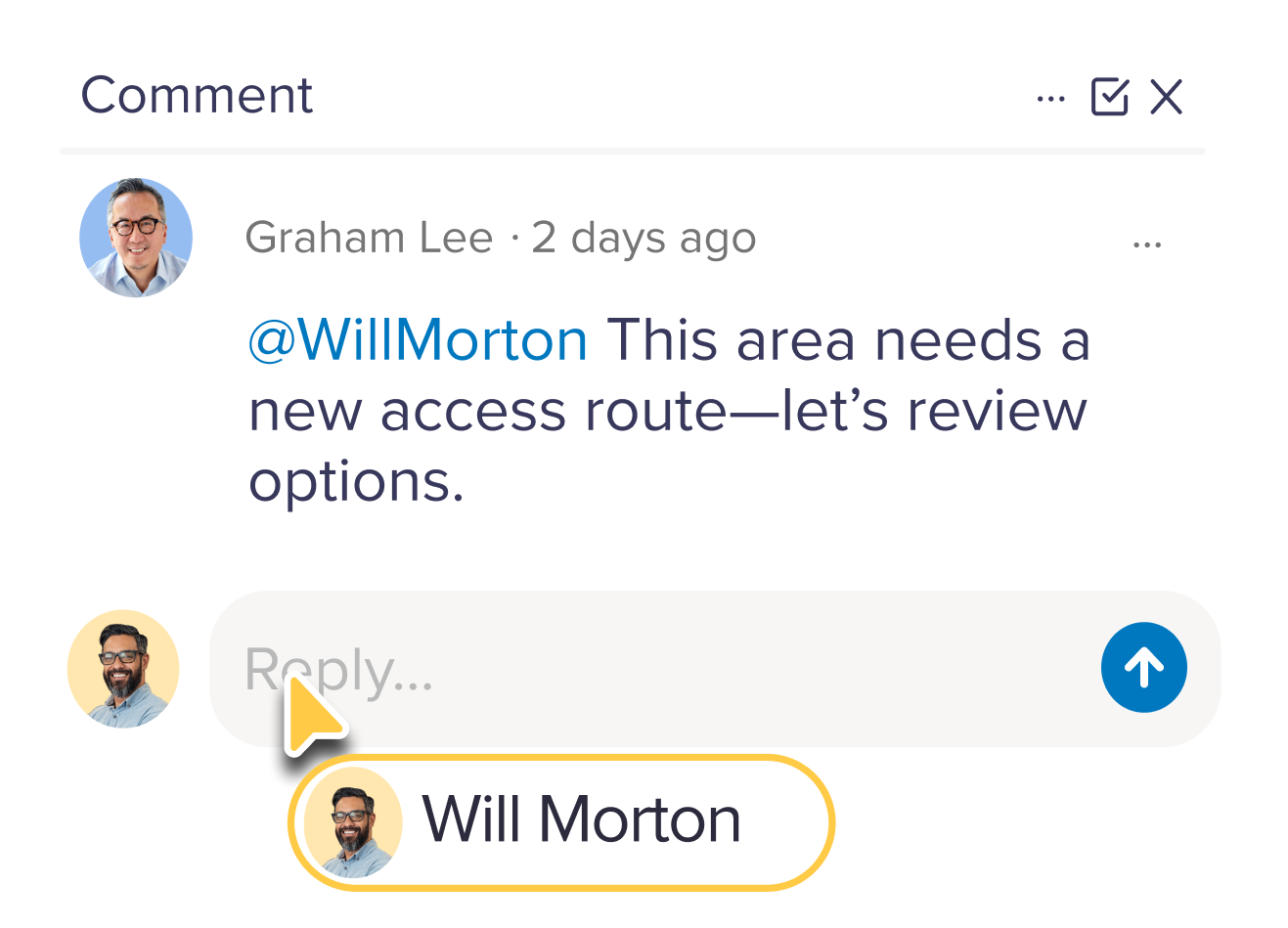
Birdi’s collaboration tools bring your entire team onto the same map —literally. From GIS specialists to field teams and stakeholders, everyone can comment, track updates, and stay in sync without needing extra software or confusing workflows.

Why it matters:

Unlike DroneDeploy’s limited team visibility, Birdi lets you create a true feedback loop across internal teams, clients, and contractors. Everyone sees the same source of truth — no more screenshots or version control challenges.

Powerful comparison tools for deeper insight

Need to track changes over time or compare datasets from different dates or sources? Birdi gives you intuitive comparison views to make change detection, QA, and reporting faster and more visual.

Why it matters

DroneDeploy offers basic overlays, but Birdi’s comparison tools are built for teams managing ongoing inspections, change monitoring, or multi-date projects. Whether you’re tracking vegetation growth, construction progress, or surface changes, Birdi makes it obvious. Use any drone, fly with third-party apps, or even go fully manual. However you capture your data, Birdi makes it easy to upload, visualise, and process it — from 3D models to orthomosaics and beyond.


You stay in control of how you collect — Birdi takes care of everything after that.

Upload a range of geospatial data types into Birdi
Birdi is built for teams, not just GIS specialists

Turning data into decisions, faster

Birdi helps you move from raw geospatial data to insight—without delays. Whether you're inspecting assets, managing sites, or reporting on terrain, Birdi gives you the tools to work smarter—and act sooner.

Compatible with the tools you already use

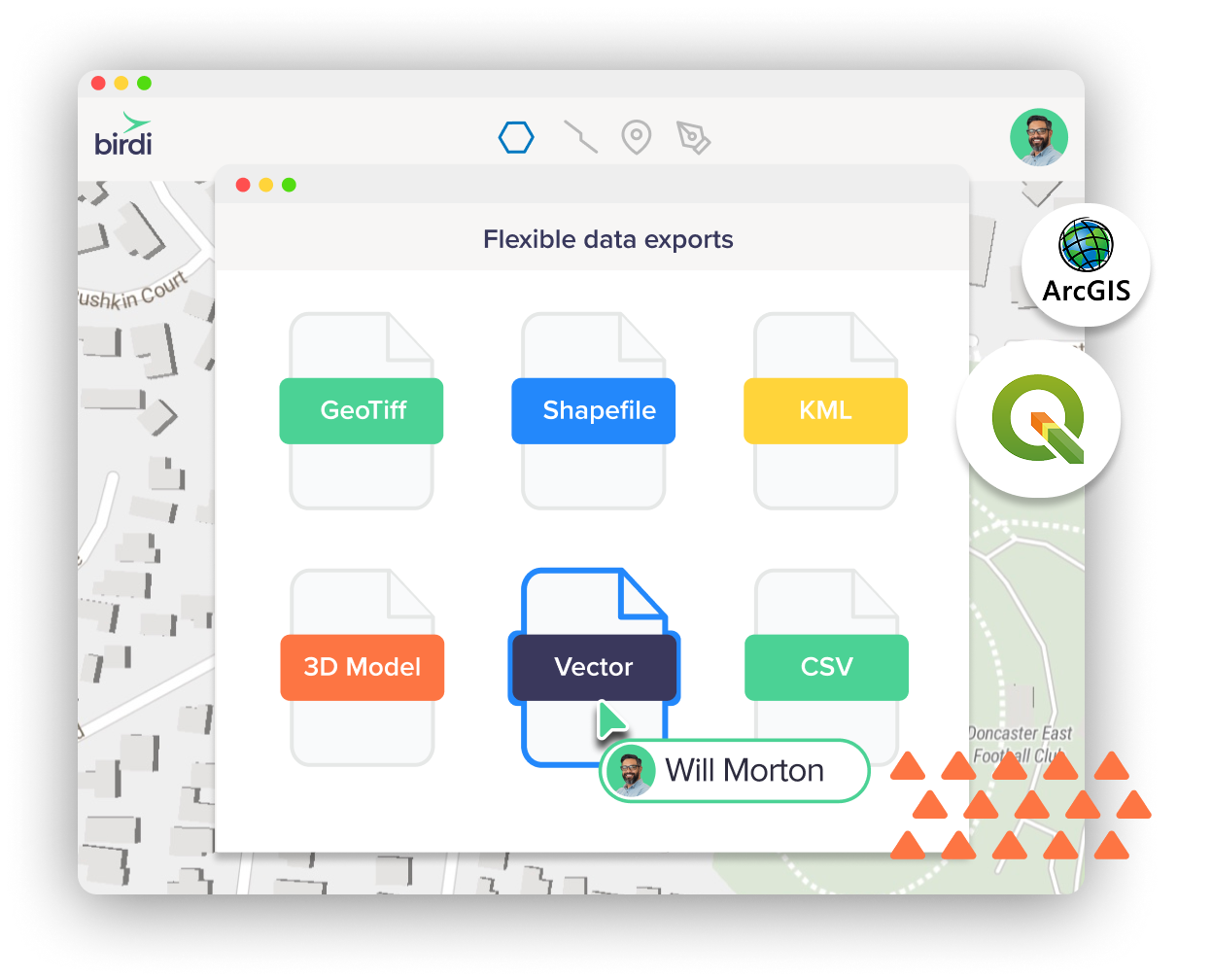
Birdi makes it easy to integrate with your GIS workflow. Export data in industry-standard formats —so you can bring outputs straight into QGIS, ArcGIS, or other spatial tools without missing a beat. Whether you're editing features, running spatial analysis, or just need clean data exports, Birdi plays nicely with your setup.

Plans for every business size

Plus
Plus plan icon
$60 USD
$80 USD
per month

Annual

Monthly

Core visualization tools & map sharing –for solo professionals to centralize & streamline their geospatial processes.
Growth
Growth plan icon
$287 USD per month
Annual billing only
Powerful visualization, collaboration & advanced outputs – for growing teams ready to level up their geospatial workflows.
Most popular
Ultimate
Birdi Ultimate plan
Contact us
Annual billing only
More flexibility & customization – for larger businesses managing high volumes of geospatial data, advanced processing, and custom workflows.

Bring your own data, or let us process it for you

Already have drone imagery, LiDAR, or ground-based photos? Or need help turning raw data into ready-to-use maps and models? Birdi meets you where you’re at. Upload and manage your own data, or let Birdi process it for you into the outputs you need.

Why it matters

DroneDeploy focuses heavily on in-app data capture, but not every business runs drones internally. Birdi supports flexible data sources and works just as well with your existing capture methods. Whether you're using contractors, flying your own missions, or combining sources, we make sure you still get consistent, high-quality outputs and insights.

Upload a range of geospatial data types into Birdi
Birdi is affordable geospatial software

Pricing that fits your needs

The most common thing we hear from teams comparing Birdi and DroneDeploy? Cost.


DroneDeploy can be a significant investment—especially for teams that aren’t using all the features bundled into their plan. At Birdi, we offer flexible pricing options to suit a range of team sizes, workflows, and budgets. You get the tools you need to process, visualize, collaborate, and report—without paying through the nose for extras you’ll never use.

Birdi provides next-level customer support

Next-level customer support

At Birdi, support isn’t an afterthought—it’s part of the product. Gone are the days you need to trawl through help docs alone or wait days for an email response. We’re right there on chat, with US-friendly hours!

Birdi vs DroneDeploy FAQ

How does Birdi compare to DroneDeploy?
Arrow icon

Birdi offers a flexible, user-friendly alternative with powerful geospatial tools built for collaboration. You’ll get similar core features — like orthomosaic processing, 3D visualization, and annotations — with a cleaner UI that's easy to use.

Can I import my existing DroneDeploy projects?
Arrow icon

Yes! It’s easy — just export your data (orthomosaics, point clouds, shapefiles, etc.) from DroneDeploy and upload them to Birdi. We support standard formats and can help with migration if needed. Note: to upload 3D files, you’ll need a Growth plan.

Do I have to use a specific drone or flying app?
Arrow icon

Nope. Birdi works with any drone and supports data from third-party flight apps or even manual captures. Just upload your imagery or sensor data and start processing—simple as that.

Does Birdi support live collaboration and annotations?
Arrow icon

Yes—collaborate in real time with team members. You can add annotations, comments, and share links to projects internally or externally with full access control.

Is Birdi good for teams who aren’t geospatial experts?
Arrow icon

Absolutely. Birdi is intuitive and built for users of all experience levels — so the whole team can explore, contribute, and stay aligned, not just the GIS team.

What GIS formats does Birdi export to?
Arrow icon

You can export in GeoTIFF, SHP, DXF, KML, and GeoJSON—making it easy to continue working in QGIS, ArcGIS, or other spatial tools.

How easy is it to switch from DroneDeploy?
Arrow icon

Very easy. There’s no complicated setup—just sign up, upload your data, and go. Our team is also happy to help with onboarding or file migration.