
Make maps for anything
.png)
Trusted by top teams

.png)
.png)
.png)





Create, view, and share geospatial maps in one collaborative platform.
Birdi makes it easy to turn your data into rich, interactive maps for any purpose. Whether you’re mapping a construction site, monitoring environmental change, or tracking assets across locations, Birdi gives you a single platform to see it all.
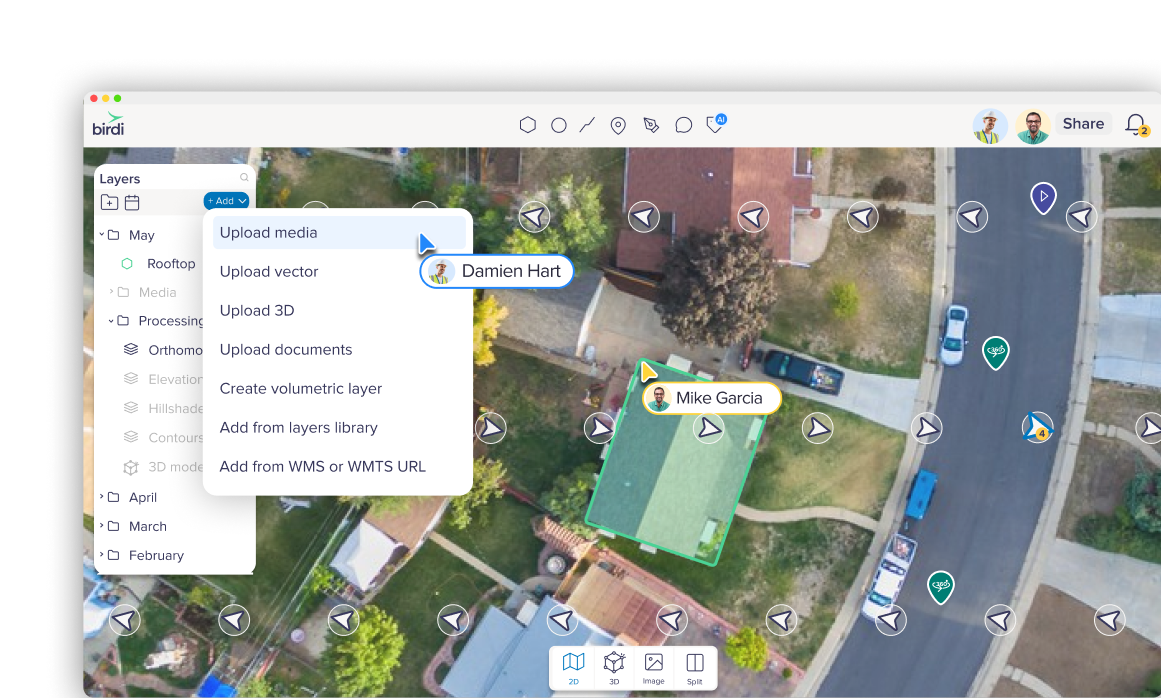
Upload your own images or processed layers
Upload drone or aerial photos, 360° captures, or ground-based imagery. Birdi processes your raw files into accurate maps and 3D models. You can even bring in your own datasets, vectors, or publicly available maps for full context.
Upload raw data from devices such as drone, smartphone, DSLR camera, 360° camera (gopro, insta360 etc), videos or handheld or ground-based device
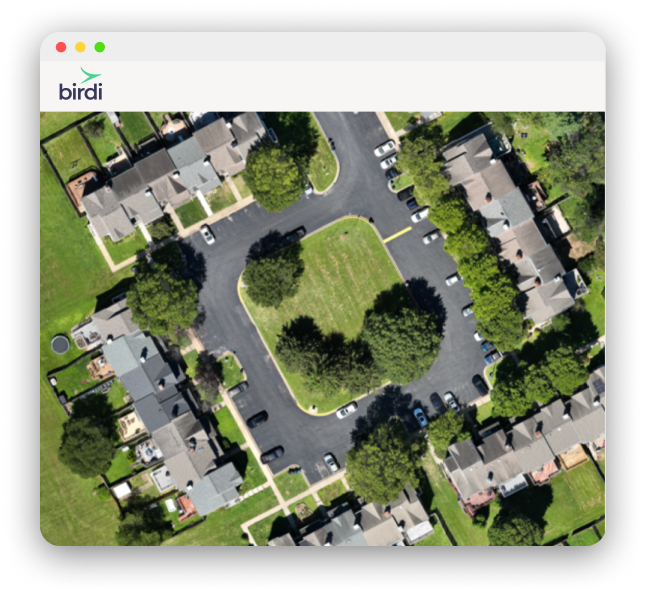
Upload raw data from devices such as Drone, Smartphone, DSLR camera, 360° camera (GoPro, Insta360, etc.), Video’s or Handheld or ground-based device

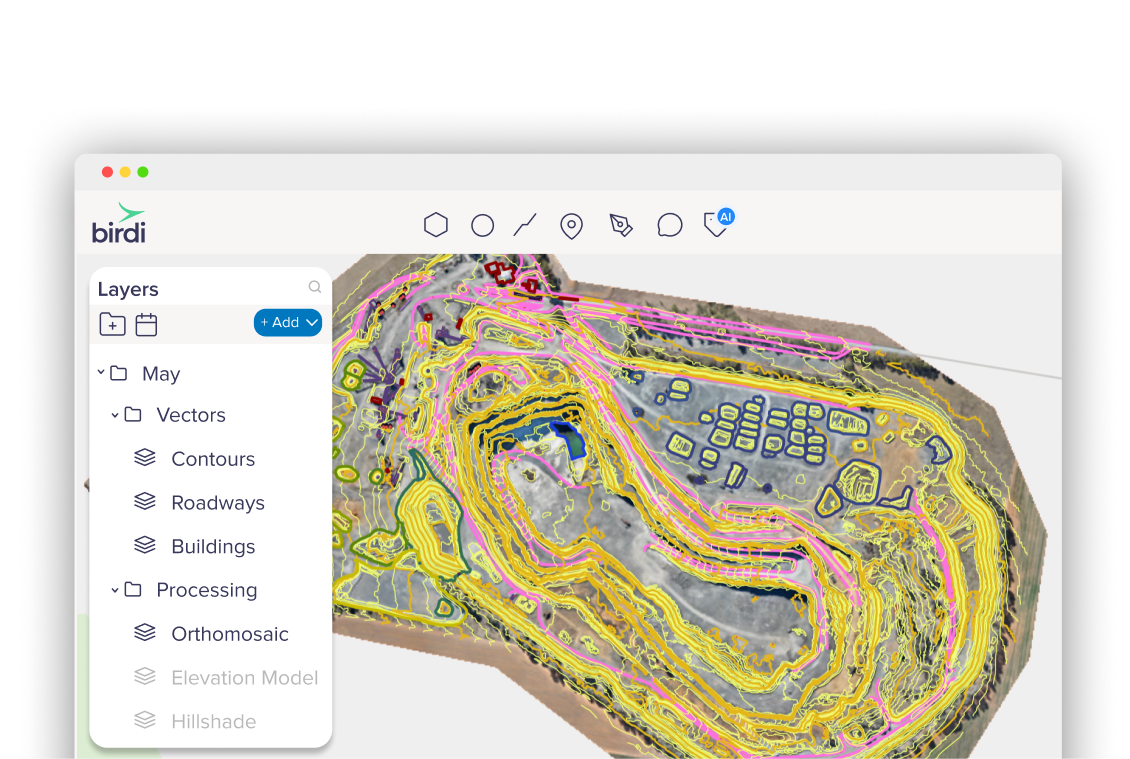
Upload vector layers like shapefiles, KMLs, or GeoJSON
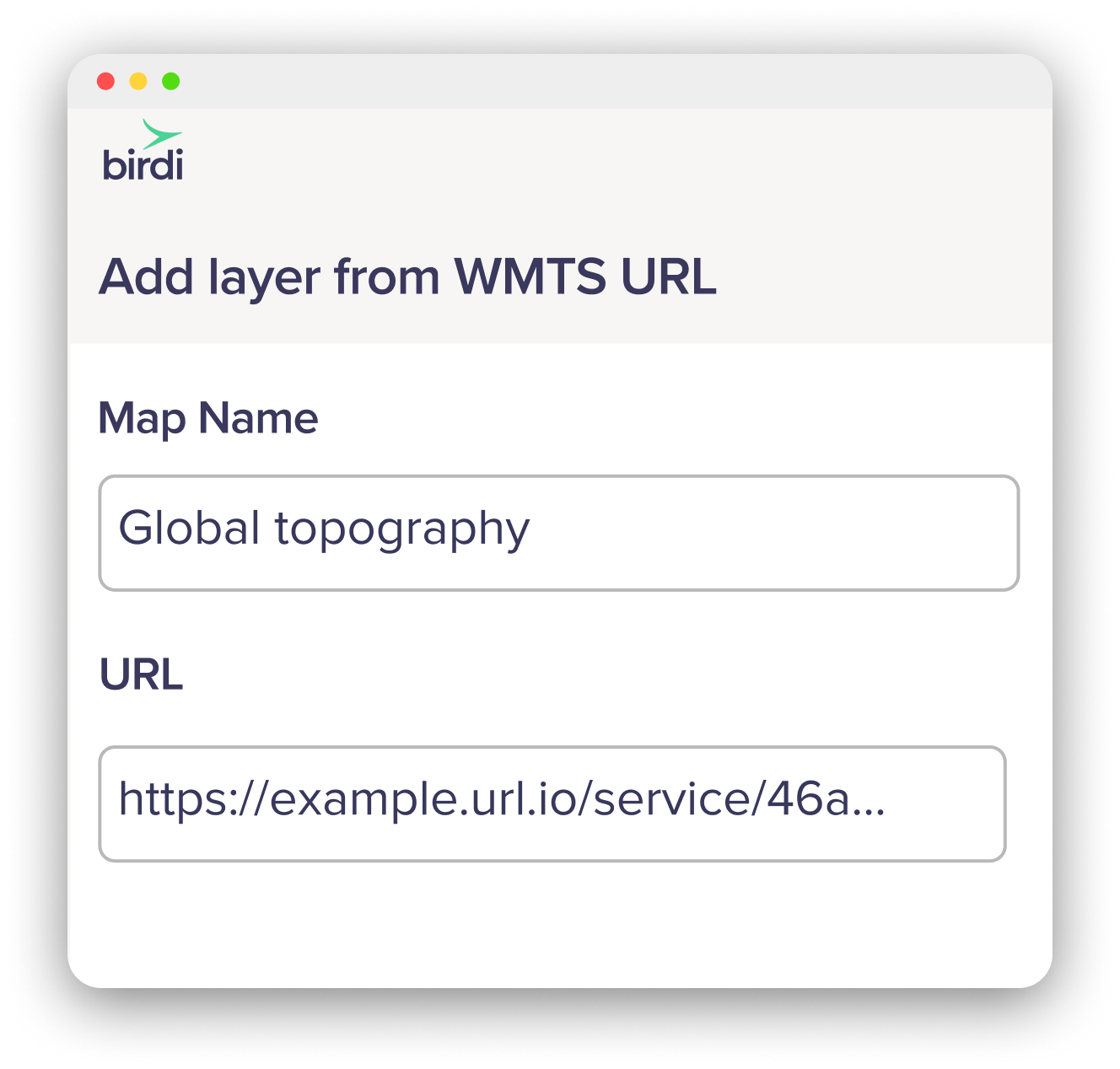
Overlay WMTS links from government or open data sources
Generate orthomosaics, elevation models, point clouds and more...
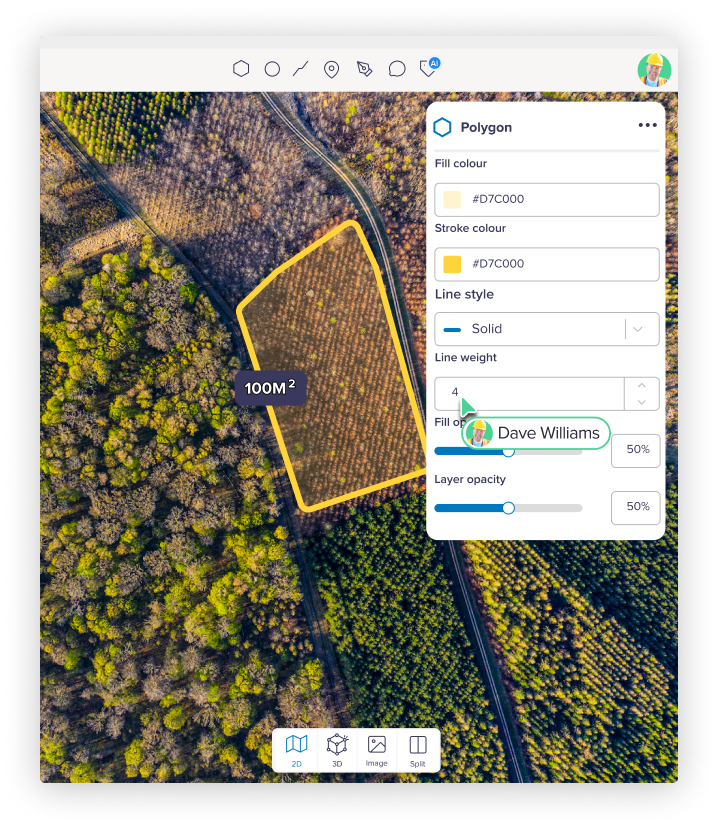
Once uploaded, Birdi’s cloud processing turns your imagery into accurate, ready-to-usemaps, 3D models, and measurements. Each dataset is processed into high-quality geospatial outputs ready for viewing, analysis, and export:
Key outputs

What maps can I make?
Whether you’re measuring stockpiles, tracking vegetation, or planning new infrastructure, Birdi gives you the tools to make accurate, shareable maps for any project.
Explore more real-world examples on our Use Cases page — see how teams around the world use Birdi to make maps for anything.
Visualize, analyze and share
Explore your site from every angle in Birdi’s web platform. Comment, annotate, and export directly from your map — collaboration happens right where your data lives.
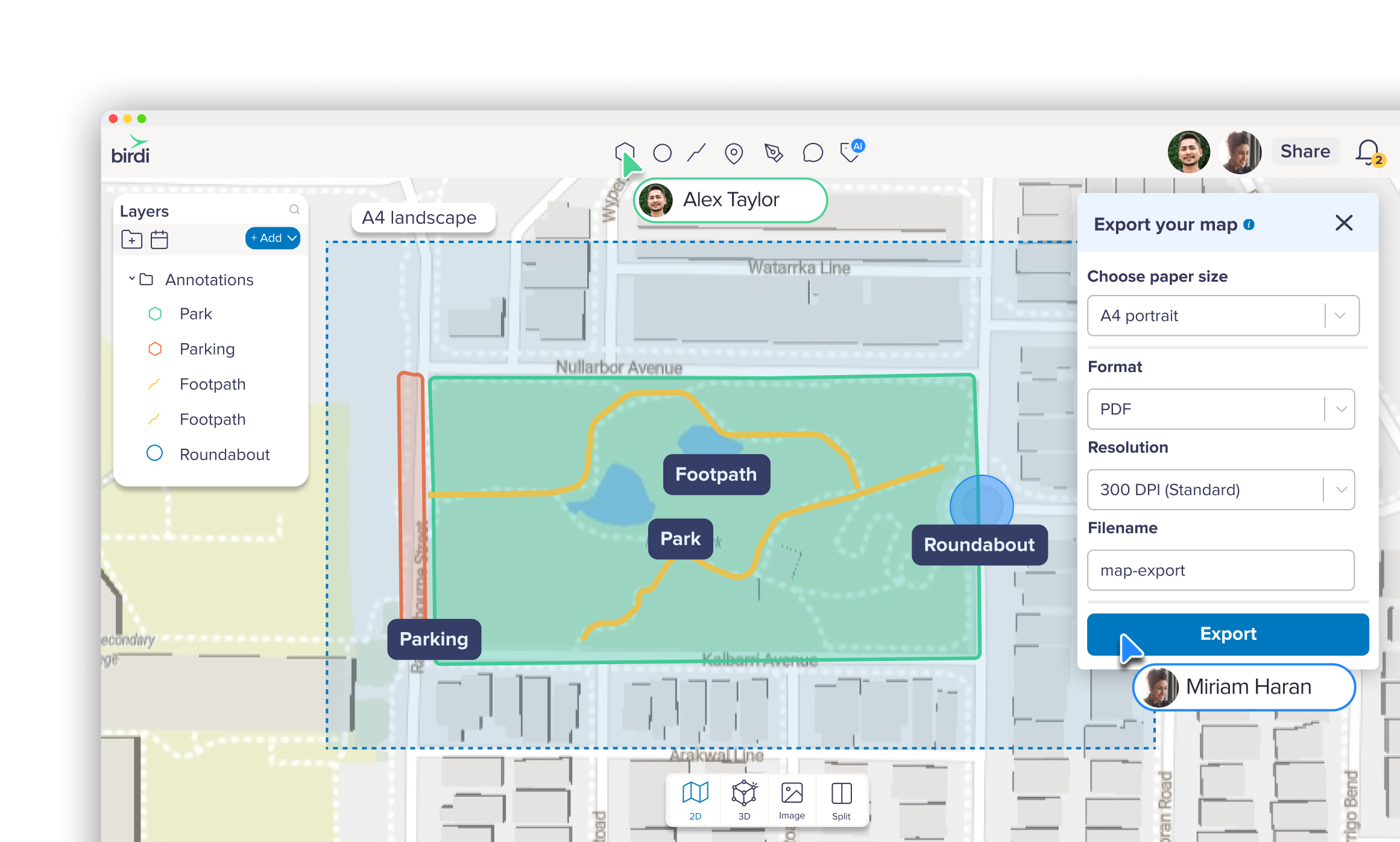
Visualize
Upload and preview all your ground or aerial imagery, 360s, and videos—organized, secure, and ready to work with.
Annotations
Analyze with tools to tag or measure distance, area, and volume.
Compare
Compare data over time with split-screen and timeline views.
Share
Share securely with teammates or clients — no software installs needed.
Style
Style your layers to create maps that stand out.
Export
Export PDF reports and layers in formats like GeoTIFF, LAS, DXF, or shapefile for use in CAD or GIS tools.

Next-level customer support
At Birdi, support isn’t an afterthought, it’s part of the product. Gone are the days you need to trawl through help docs alone or wait days for an email response. We’re right there on chat, ready to help.