


Birdi vs ArcGIS

Birdi is a simpler, more collaborative way for your whole team to work with geospatial data — minus the complexity, licenses, or GIS learning curve.
Compare Birdi with DroneDeploy

Why do teams choose Birdi alongside ArcGIS?

ArcGIS is a great tool for GIS specialists doing advanced geospatial analysis. But most organizations also need a simple way for the wider team to access and collaborate on geospatial data.

Birdi gives engineers, managers, contractors, and clients an intuitive shared workspace where they can view the layers that matter, stay aligned, and avoid the permissions and complexity that come with technical GIS tools. It’s not a replacement — it’s the collaboration layer that connects your GIS experts with the rest of your organization.

Trusted by top teams

Birdi is the right fit if...

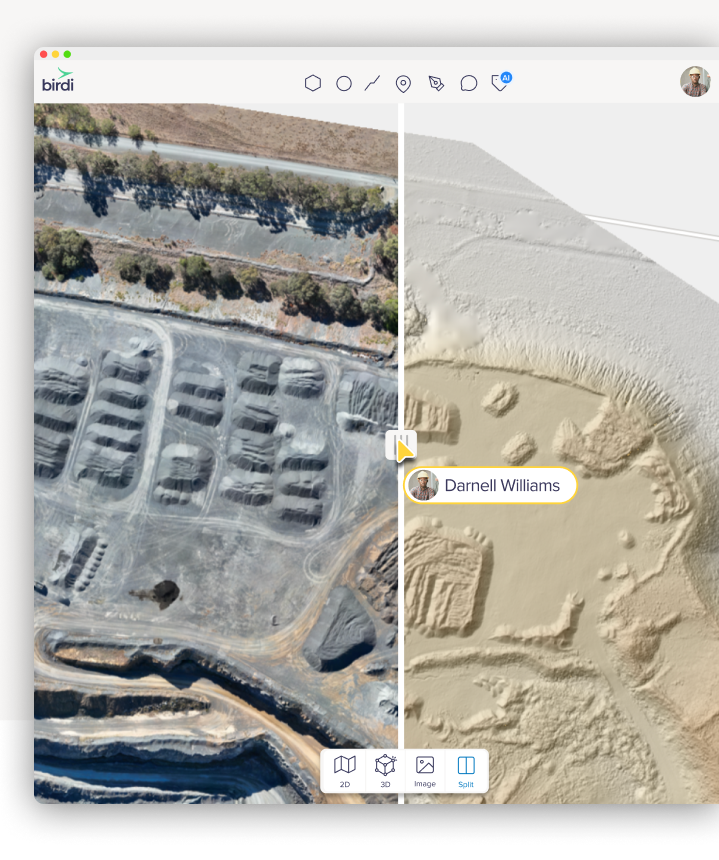
Your team needs an easy way to explore and collaborate on geospatial data — especially when not everyone is a GIS specialist.


We also think we’re the right choice if…

Your team includes non-GIS users

Birdi is intuitive for anyone to use. Engineers, project managers, contractors, and clients can jump in, understand the data, and stay aligned without training.

You want sharing to be simple

No viewer roles, permissions, or IT steps. Invite someone or share a link — they’re in, seeing the latest version instantly.

You want everything in the one place

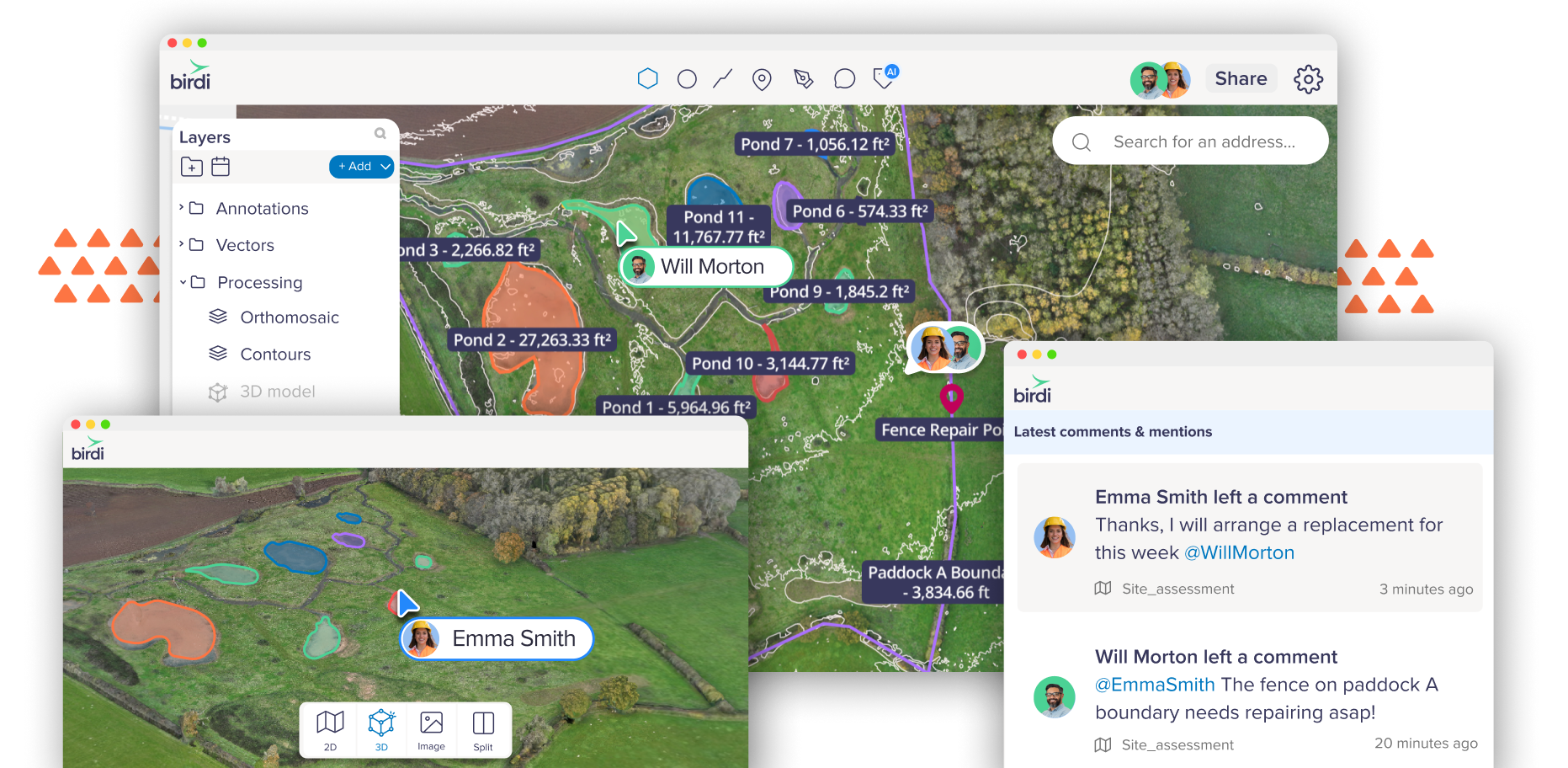
Birdi brings your maps, layers, notes, measurements, approvals, and discussions into a single collaborative space. No more jumping between tools or stitching workflows together.

You need smoother collaboration across teams

Comments, context, and decisions live directly on the map — not lost in email threads or outdated PDFs.

Birdi and ArcGIS work side-by-side

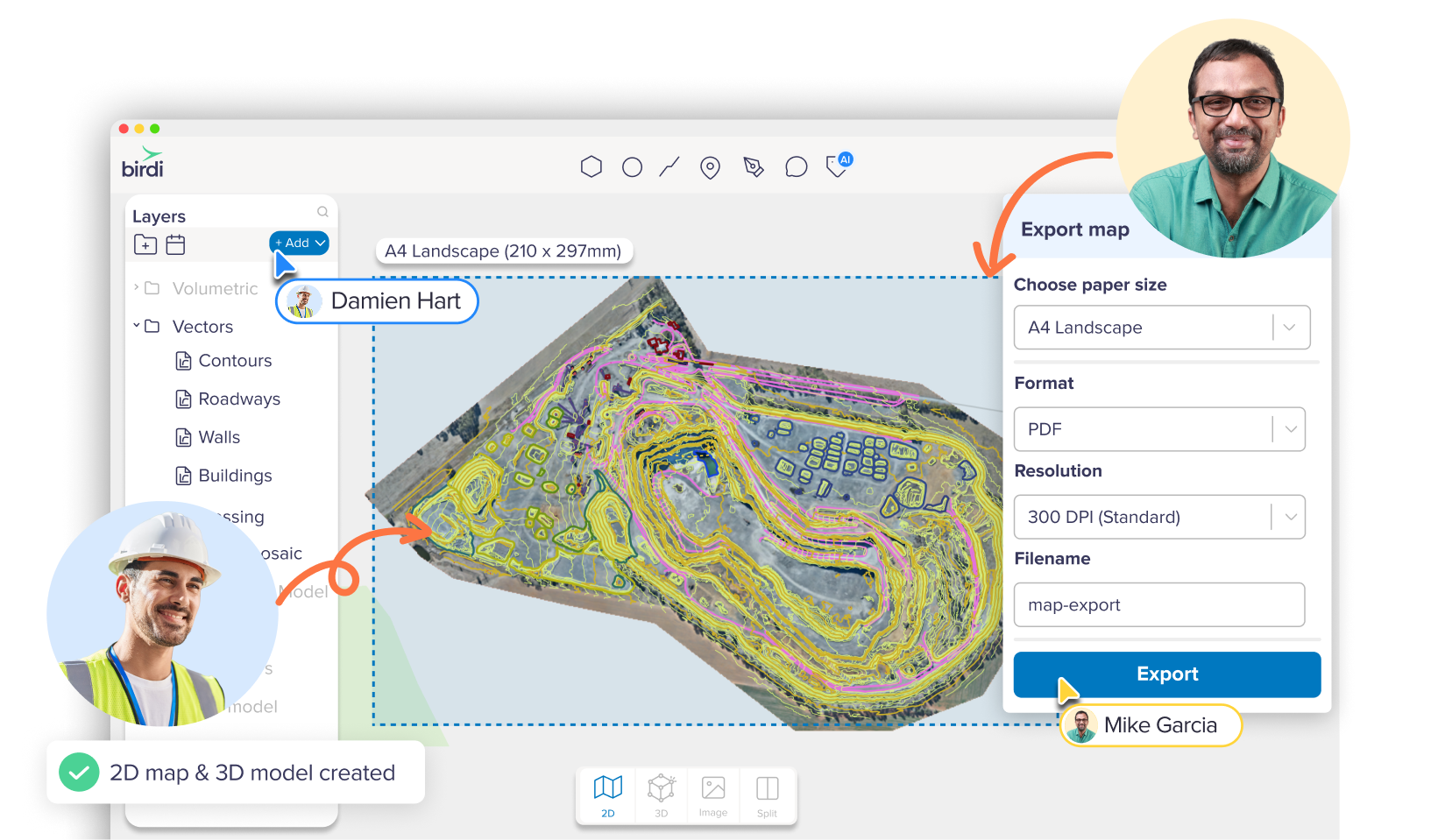
ArcGIS is built for advanced spatial analysis and specialist workflows. Birdi gives the wider team a simple, accessible workspace to view and collaborate on the outputs — connecting technical users with everyone who needs to use the information.

Your GIS team keeps doing the work they do best. Your broader organization finally gets a clear, easy way to stay aligned. Birdi doesn’t replace ArcGIS. It unlocks the rest of your team.
Birdi and Esri work side-by-side

Compare Birdi with ArcGIS

Birdi
ArcGIS
Easy for non-GIS users
Green tick icon
Simple, fast sharing
Green tick icon
No licenses or permissions needed to view data
Green tick icon
Unified workspace to view & collaborate
Green tick icon
No configuration or setup required
Green tick icon
Great for engineers, managers & contractors
Green tick icon
Collaboration-first design
Green tick icon

Why collaboration becomes challenging in ArcGIS

ArcGIS is incredibly capable for technical GIS work — but everyday teamwork often requires something simpler.

Non-GIS users struggle to engage

Most people who just need context or a quick review find ArcGIS tools overwhelming or too technical.

Sharing requires permission steps and licenses

Access often depends on roles or IT setup, which slows down simple requests. Teams fall back to screenshots, exports, and PDFs that quickly get out of date.

Updates become manual

Without a shared viewer for the whole team, the GIS specialist becomes the bottleneck for every update, export, or clarification.

Birdi vs ArcGIS price comparison

Birdi enterprise software starts at $9,504 USD per year, compared to ArcGIS's multi-thousand dollar licensing structures.

With Birdi, you know exactly what you’re paying for, and your whole team gets the collaboration tools they need to stay aligned.

Where Birdi adds instant value

Birdi is built for teams, not just GIS specialists

Project reviews

Teams can quickly check progress, context, and measurements — and leave comments directly on the map.

Stakeholder visibility

Managers and decision-makers get a clear, up-to-date view without navigating technical software.

Contractor and client co-ordination

External partners can access what they need instantly, with no setup or training.

Centralized site information

Discussions, notes, and decisions stay connected to the map — not buried in emails or PDFs.

Simple access for growing teams

New team members can get up to speed quickly, with no configuration, software installs, or GIS experience required.

One central, up-to-date source of truth

Your team sees data from a shared workspace — eliminating outdated exports, mismatched files, and version confusion.

Upload a range of geospatial data types into Birdi

Birdi vs ArcGIS FAQ

Is Birdi a replacement for ArcGIS?
Arrow icon

No. ArcGIS is the right tool for advanced GIS analysis. Birdi is the workspace your wider team uses to view, understand, and collaborate on that data — without needing specialist knowledge or extra licenses.

Do I need ArcGIS to use Birdi?
Arrow icon

Not at all. But if you do have ArcGIS in your workflow, Birdi fits neatly alongside it by making your spatial information accessible to more people.

Can Birdi read the same data I use in ArcGIS?
Arrow icon

Yes. You can upload a wide range of geospatial formats into Birdi, including the layers and outputs your GIS team produces in ArcGIS.

Does Birdi require any setup or configuration?
Arrow icon

No. Birdi works out of the box. Just upload your data and invite your team — everything else happens inside the platform.

How is Birdi easier for non-GIS users?
Arrow icon

Birdi’s interface is designed for clarity. No complex menus, roles, or technical steps. Anyone can open a map, explore relevant layers, and leave comments without training.

Can external contractors or clients use Birdi?
Arrow icon

Yes. You can securely share access with external partners, giving them the context they need without giving them access to internal tools or training them on GIS software.

Is Birdi secure for sensitive data?
Arrow icon

Yes. Birdi uses secure, enterprise-grade infrastructure and controlled access to ensure your geospatial data is protected.

Will Birdi slow down my workflow?
Arrow icon

Quite the opposite. By giving your wider team a single place to review, discuss, and stay aligned, Birdi reduces manual exports, emails, screenshots, and back-and-forth — helping projects move faster.

Can Birdi help if our team is growing?
Arrow icon

Definitely. Birdi is simple enough for new team members to use immediately, even if they’re not familiar with GIS tools — no installs or onboarding needed.