
.png)
If you’ve started comparing drone mapping platforms (or geospatial software more broadly), you’ve probably realised something pretty quickly — they’re not all solving the same problem. Some tools focus on processing imagery. Others are built for GIS specialists. And some are pushing toward automation, robotics, and AI-led workflows.
There’s also a newer category emerging — platforms focused on helping teams actually collaborate around geospatial data once it’s created.
So when someone asks, “What’s the best drone mapping platform?”, the real answer is usually: it depends on what you’re actually trying to do.
.png)
What is a drone mapping platform?
A drone mapping platform is software that processes aerial imagery captured by drones into outputs like orthomosaics, 3D models, and elevation data. More advanced platforms also help teams analyze, share, and collaborate on this data to support workflows in industries like construction, mining, and infrastructure.
What matters when choosing a platform?
Most platforms today can produce the core outputs:
- Orthomosaics
- 3D models
- Elevation data
That part is largely solved. Where teams tend to feel the difference is in:
- How easy it is to get started
- How much control you have over processing
- How well the platform fits into your workflow
- How easily you can share results with others
And increasingly: Whether your team can actually work together around the data, not just generate it (this is where more collaborative platforms are starting to stand out)
1. Birdi
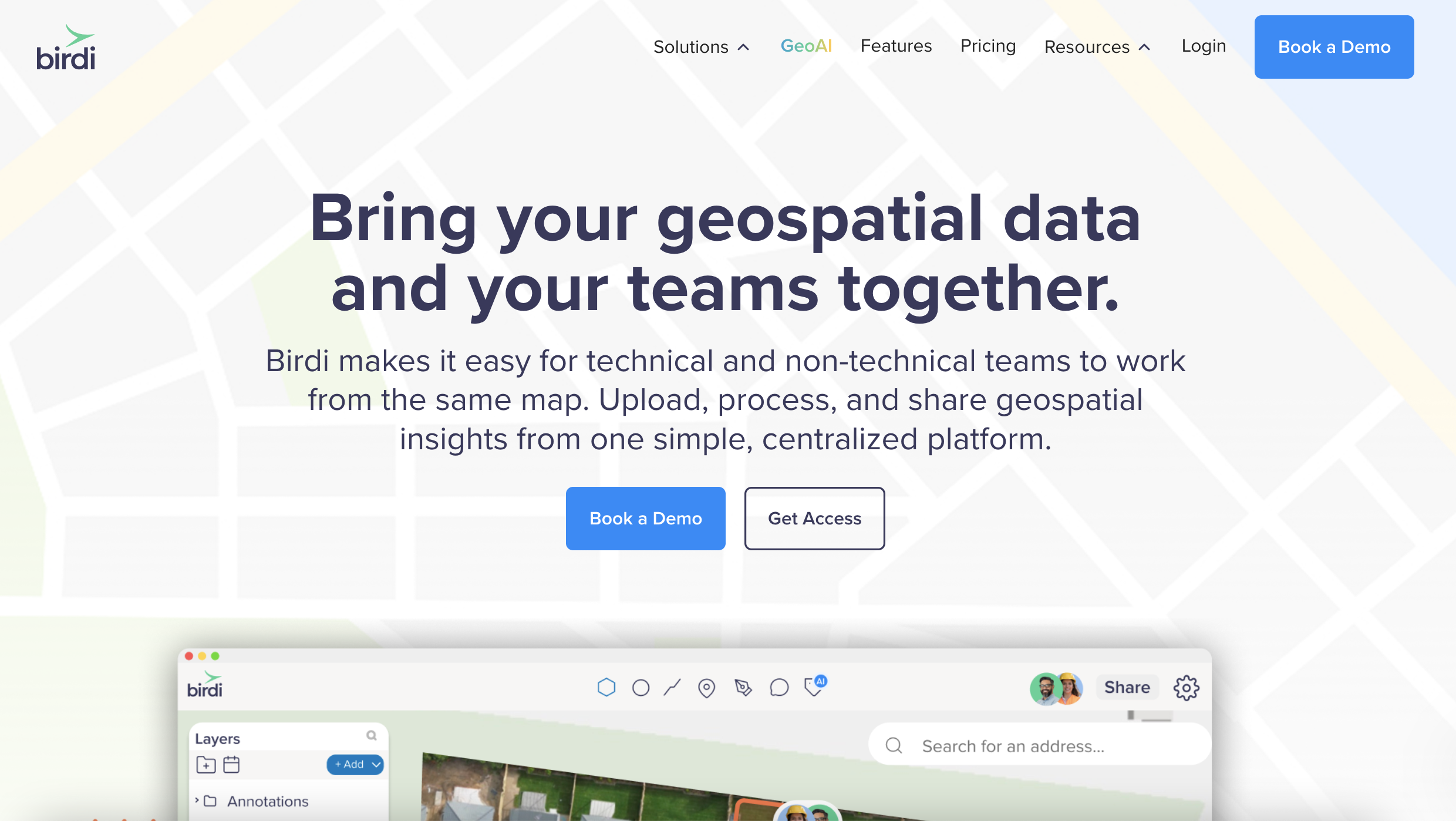
If your workflow involves more than just creating maps, Birdi is worth looking at early. It acts as a shared workspace for geospatial data — bringing together maps, models, and datasets in one place so teams can actually work with them.
Because for a lot of teams, the challenge isn’t generating outputs.
It’s:
- Keeping everyone aligned on the latest data
- Sharing updates without relying on a single specialist
- Turning complex datasets into something others can understand
Birdi helps bridge that gap. Teams use it to:
- Bring together data from different tools and sources
- Run analysis like volumetrics, terrain insights, and inspections
- Use AI-powered tools to help surface insights and speed up analysis
- Collaborate without sending files back and forth
- Present outputs in a way that’s clear for stakeholders
It doesn’t replace tools like Pix4D, ArcGIS, or DroneDeploy if you're already using them. Instead, it sits between those tools and the wider team — acting as a shared source of truth that makes geospatial data easier to access, understand, and use.
For teams working across projects, stakeholders, or clients, that difference becomes pretty noticeable.
2. DroneDeploy

DroneDeploy has evolved into a much more advanced platform than a typical drone mapping tool.
It now brings together drones, 360 cameras, and even ground robots to capture what’s happening across a site. In some setups, drones can operate from docks and fly automatically, while robots move through sites collecting visual data on a regular schedule.
On top of that, AI is used to:
- Track site progress over time
- Flag potential safety or quality issues
- Compare what’s been built against plans
The goal is to create a continuous, visual record of a site, where data is captured frequently and insights are surfaced without as much manual effort.
For large teams managing multiple sites, that level of automation can be powerful. Instead of organizing flights and manually reviewing outputs, the system is designed to handle a lot of that work in the background.
At the same time, it’s a fairly involved setup.
Once you factor in:
- Hardware like docks and ground robots
- Structured workflows around capture and reporting
- Enterprise-style rollout across projects
…it starts to feel less like a simple tool and more like a full system to implement.
Pricing also tends to sit at the higher end, especially as you scale across sites, users, and different capture methods. For teams that want a highly automated, end-to-end approach to site capture, it can be a strong fit.
But if you’re mainly looking to:
- Run drone surveys
- Track progress
- Share updates with clients or stakeholders
…that level of complexity isn’t always necessary, and can feel like more than what you need day to day.
3. ArcGIS (Esri)

ArcGIS is often the go-to platform for GIS specialists. It’s part of a much broader ecosystem that allows teams to:
- Analyse spatial data in depth
- Combine drone data with other datasets
- Build detailed, organization-wide workflows
In many larger organizations — especially in government, utilities, and infrastructure — it’s already part of the stack. That level of capability is a big advantage when you need it.
At the same time, it’s typically built around specialist users.
In practice, that can mean:
- A steeper learning curve for non-GIS team members
- Workflows that rely heavily on a small number of experts
- Updates and insights needing to be translated and shared manually with the wider team
So while ArcGIS is incredibly powerful, it can sometimes become a bottleneck when teams are trying to:
- Share updates quickly
- Collaborate across roles
- Get insights into the hands of decision-makers
It tends to work best when you have dedicated GIS expertise and need that level of depth across your organization.
4. Pix4D

Pix4D is still one of the go-to options for teams that prioritize accuracy.
It’s widely used by surveyors and engineers who need:
- High-quality outputs
- Detailed control over processing
- The ability to incorporate GCPs and refine results
If precision is critical, Pix4D is often part of the conversation. The trade-off is that it leans more toward technical workflows.
Compared to cloud-based platforms, teams often notice:
- A steeper learning curve
- More manual setup and processing control
- Less emphasis on collaboration and sharing out of the box
It does one thing very well — photogrammetry — but it’s often paired with other tools when it comes to presenting or collaborating on results.
5. QGIS (open-source)

QGIS is a powerful open-source GIS platform that’s widely used across the geospatial industry. It’s free, flexible, and gives teams a lot of control over how they work with spatial data.
For those with GIS experience, it can be a very capable tool for:
- Analysis
- Visualization
- Custom workflows
But getting the most out of it usually requires a bit more technical understanding.
Teams often need to:
- Process data in other tools first
- Configure plugins and workflows manually
- Rely on internal expertise to manage and maintain setups
That flexibility is part of the appeal — but it can also slow things down if you’re looking for something more streamlined or easier for a wider team to use.
So… which platform is right for you?
There isn’t a single “best” option — whether you’re comparing drone mapping platforms or geospatial software, it depends on what your workflow actually looks like.
If you’re leaning toward:
- Automated, large-scale site capture → DroneDeploy
- Deep GIS workflows → ArcGIS
- Flexible, open-source analysis → QGIS
And if your focus is more on:
- Working with geospatial data as a team
- Collaborating across projects
- Delivering insights in a clear, usable way
Then platforms like Birdi start to make a lot of sense.
___
Drone mapping software has come a long way. Processing imagery into maps is no longer the hard part.
What matters more now is:
- How easily you can work with that data
- How well it fits into your workflow
- How effectively you can share insights with others
That’s also where the biggest differences between platforms are starting to show. Not just in what they produce — but in how teams actually use them.
FAQs
What is the best drone mapping platform?
There isn’t a single best option. The right platform depends on your workflow. Some tools focus on automation and large-scale site capture, while others prioritize accuracy, GIS integration, or team collaboration.
Is DroneDeploy worth it?
DroneDeploy can be a strong fit for large teams that want an automated, end-to-end system for capturing and monitoring sites using drones, robots, and AI. For smaller teams or simpler workflows, it may feel more complex and higher cost than necessary.
Is ArcGIS too complex for drone mapping?
ArcGIS is very powerful, but it’s typically designed for GIS specialists. For teams without dedicated GIS expertise, it can be harder to use and may slow down how quickly insights are shared across the team.
What is the difference between GIS software and drone mapping software?
Drone mapping software focuses on processing aerial imagery into outputs like maps and 3D models. GIS software goes further, allowing teams to analyse, manage, and combine spatial data from multiple sources.
Where does Birdi fit compared to other platforms?
Birdi sits between processing tools and the wider team. It brings together geospatial data in one place, making it easier to collaborate, share insights, and keep everyone aligned without relying on a single specialist.
