
Meet Scout, Birdi's new AI agent for getting things done in plain language

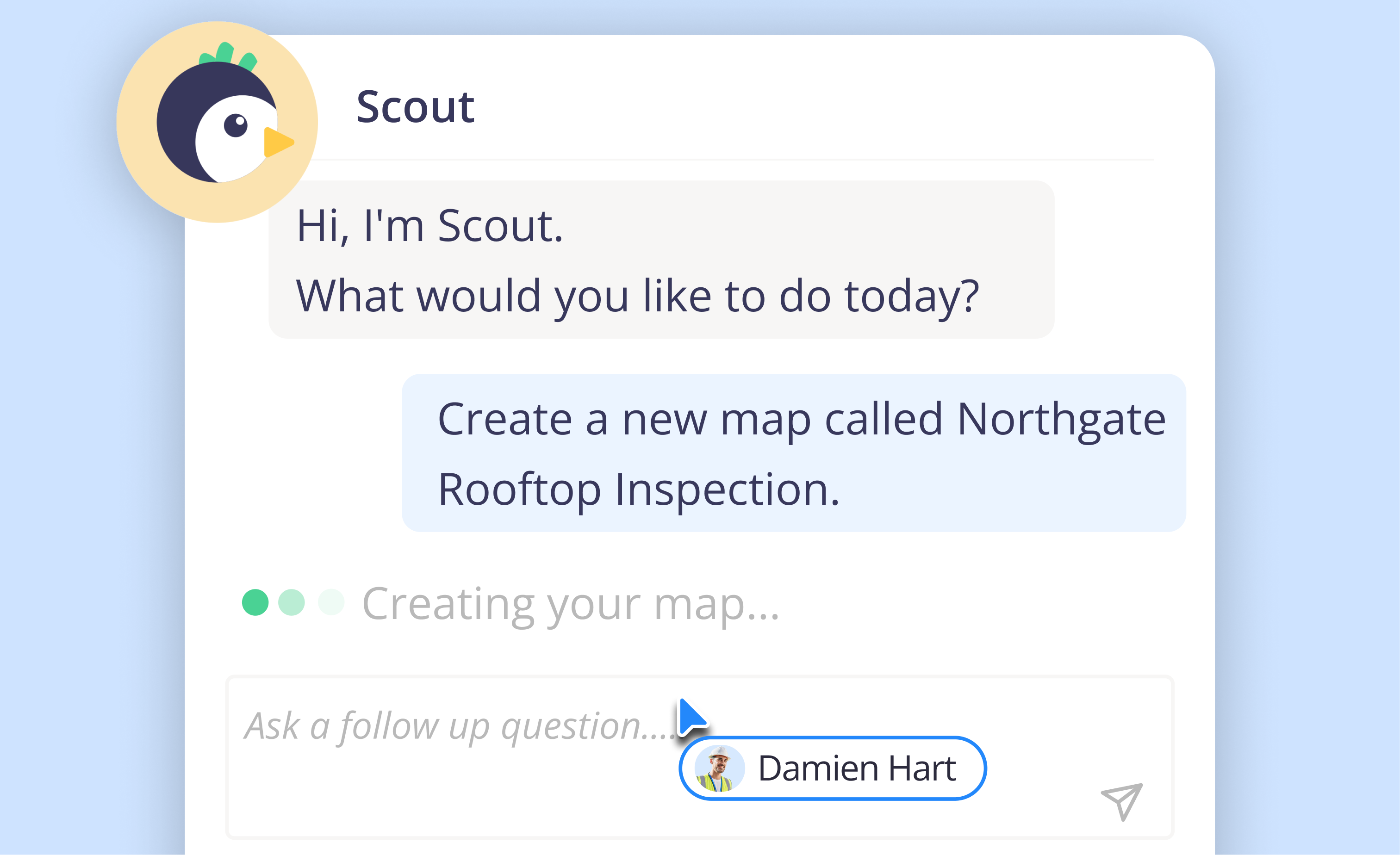
Geospatial work usually comes down to two things: you need an answer about your data, or you need something done: a map created, a report generated, a measurement pulled.
You could use our existing tools to create maps, process in 2D and 3D and generate insights, or… you could just ask Scout.
Scout is Birdi’s new AI agent. Tell Scout what you need in plain language, and it works alongside you — answering from your real map data, taking safe actions, driving the map view, generating reports, along with connecting you to help articles or our human support whenever you need it.
(Currently in beta, available on all Birdi plans)
What does Scout, Birdi's new AI agent do?
Scout can:
- Answer questions about your maps, layers, measurements, volumes and plan usage
- Execute everyday actions — create, rename or organize maps
- Set up the map view for you — split comparison, timeline, basemap, layer focus and more
- Generate PDF reports of your imagery or measurements
- Walk you through how to do something, with a link to the full help guide
You don't need to know the right words
Scout understands plain, everyday language — not exact feature names. Say "this map" and it knows what you mean, because it can see which map and page you're on. A few examples of what that looks like in practice:
- "How many maps do I have?"
- "Generate an annotation report for this map."
- "Compare my two most recent maps side by side."
- "How do I invite someone to my organization?"
And if you're not sure where to start, that's fine too — describe your goal ("I want to monitor my site's progress over time") and Scout will map out the workflow and offer to take the first step.
.png)
How Scout works
- Open Scout — select the AI button in the toolbar, on your dashboard or inside a map.
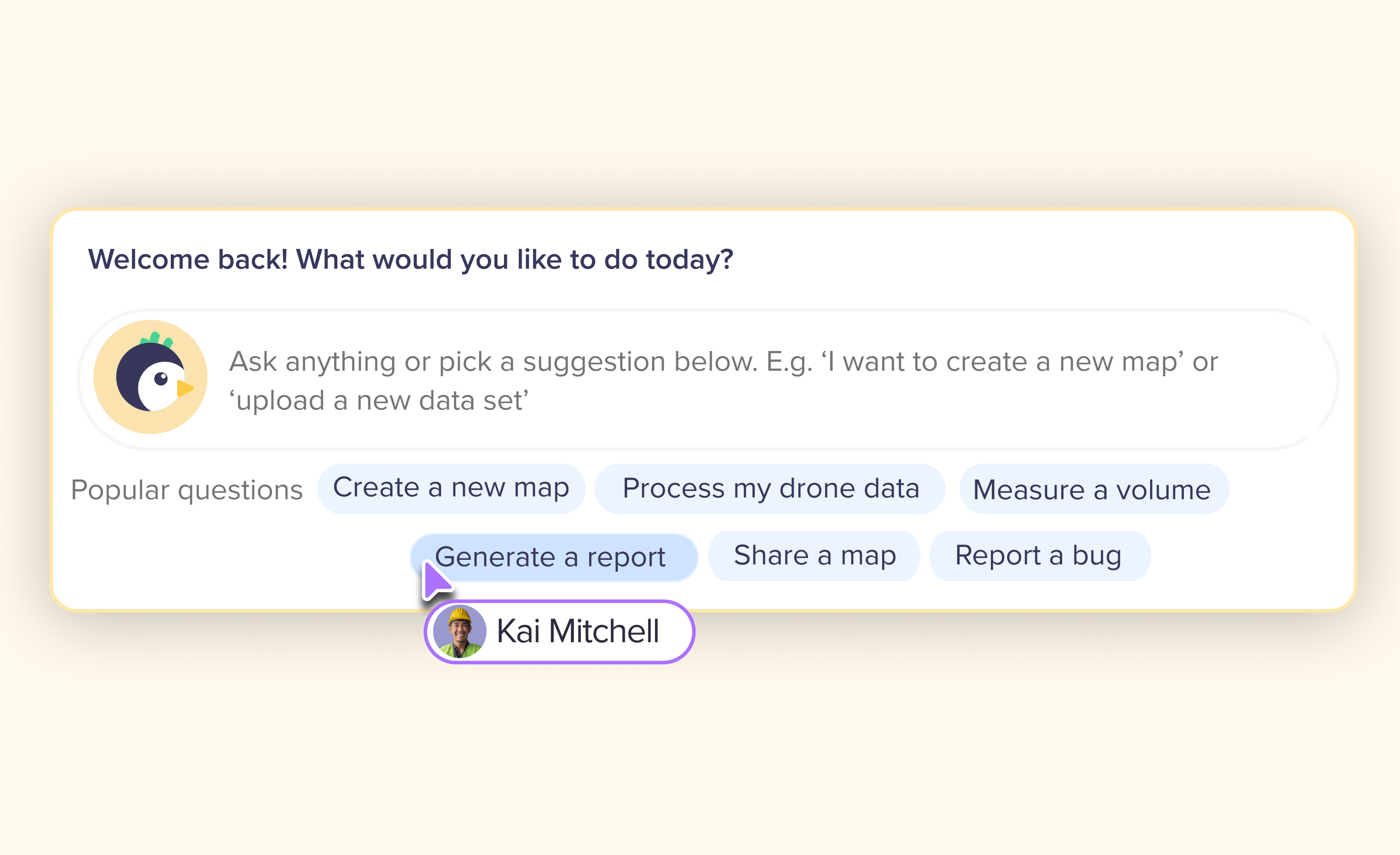
- Ask, or pick a suggestion — type your question or task, or select one of the suggested prompts.
- Follow the reply — answers are short and end with a clear next step, often with quick-reply buttons so you don't have to type it out.
- Confirm anything that draws or runs — for measurements and detections, Scout arms the tool and you draw on the map yourself; for processing and uploads, it opens the window pre-filled for you to review and confirm.
- Keep working while jobs run — reports, processing and detections run in the background, and Scout lets you know the moment they're ready. Safe to close the panel or the map while you wait.
What Scout won't do
Scout is built to be safe, so it will never do the following on your behalf: delete maps, layers or annotations; invite, remove or email people; create share links; or make billing or plan changes. For anything in that list, it gives you the steps and a link to the guide instead — you stay in control of anything that changes your data, your team, or your bill.
Frequently Asked Questions
Is Scout available on my plan?
Yes — Scout is currently in beta and available on all Birdi plans at no extra cost.
Can Scout take actions for me, or just answer questions?
Both. It can answer questions from your real map data and take everyday actions like creating or organizing maps. For anything higher-stakes — measuring, detecting, processing — it arms the tool or pre-fills the settings for you to confirm before anything runs.
What if I don't know exactly what I need?
Describe the outcome you're after, not the feature name. Scout understands plain language, and if you're not sure where to start, it will map out the workflow and offer to take the first step.
Will Scout ever change or delete something without asking me?
No. Scout won't delete maps, layers or annotations, invite or remove people, create share links, or touch billing. For those actions, it walks you through the steps instead of doing them itself.
Tell Scout what you need
That's really the whole idea: you don't need to know where a setting lives or what a feature is called. Tell Scout what you need, and it walks you through it — answering, acting, or pointing you to the right next step.
👉 Learn more in the Knowledge Base: How to use Scout, Birdi's AI Agent